
Free Online Web Tools
Use network, writing, image, and color tools directly in your browser with no installation or sign-up.
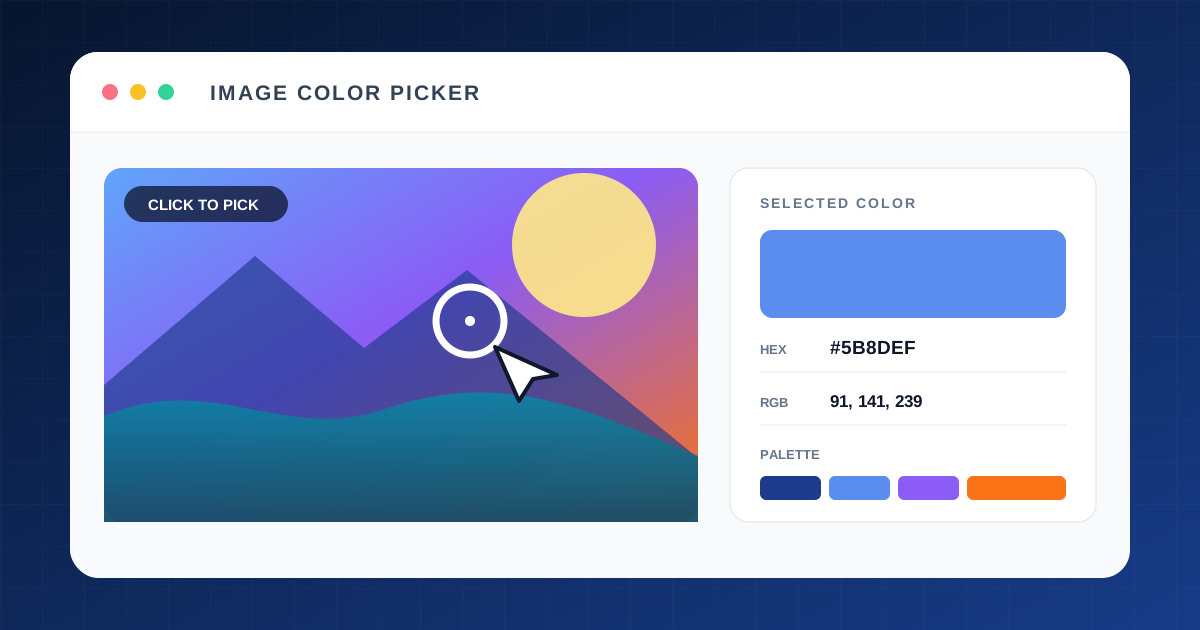
Image Color Picker
Click any point in a photo to view its HEX, RGB, and HSL values and dominant palette.
Extract image colors →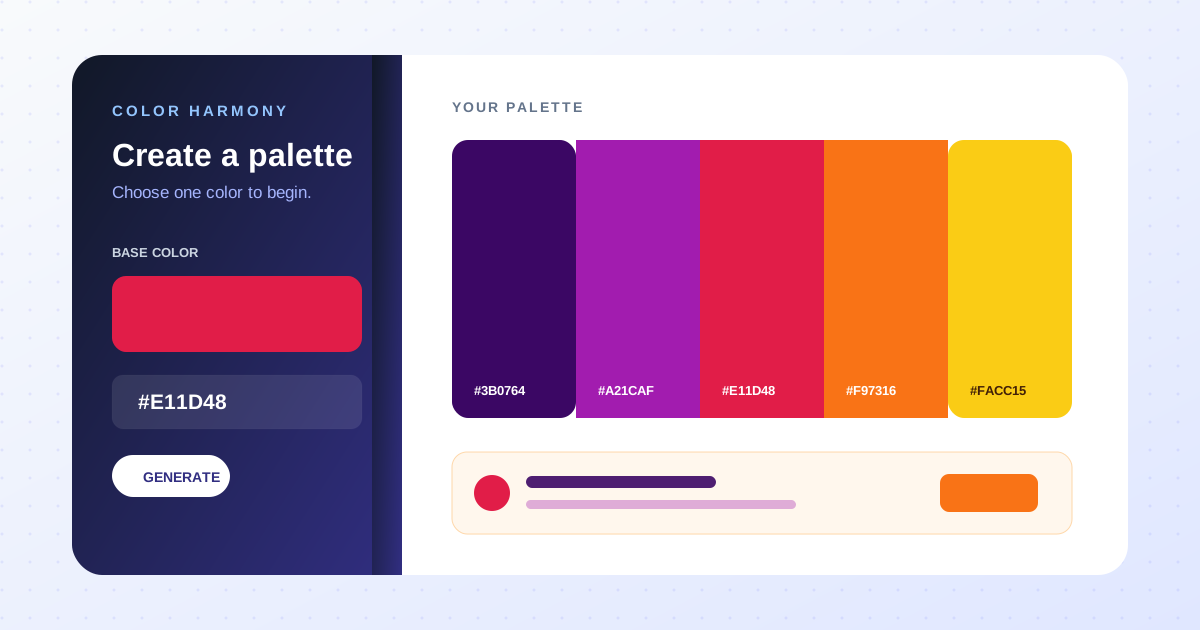
Color Scheme & Palette Generator
Create complementary, analogous, triadic, and other harmonious palettes from one base color.
Color Palette Generator →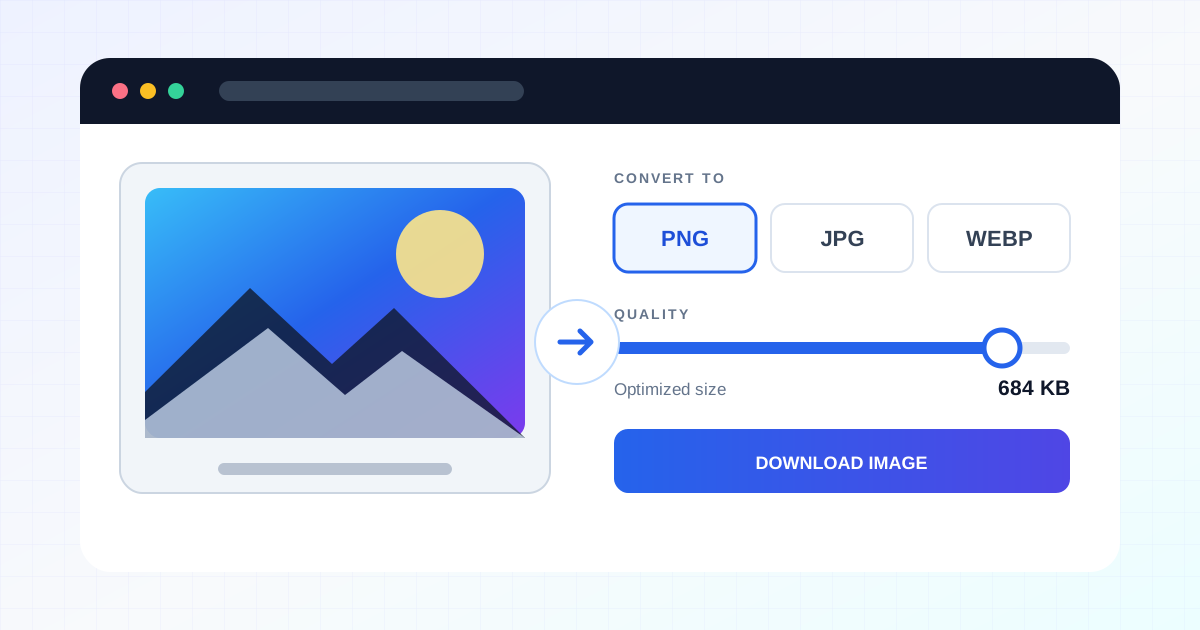
Image Format Converter
Convert an image to PNG, JPG, or WebP at your chosen quality and download it immediately.
Convert image format →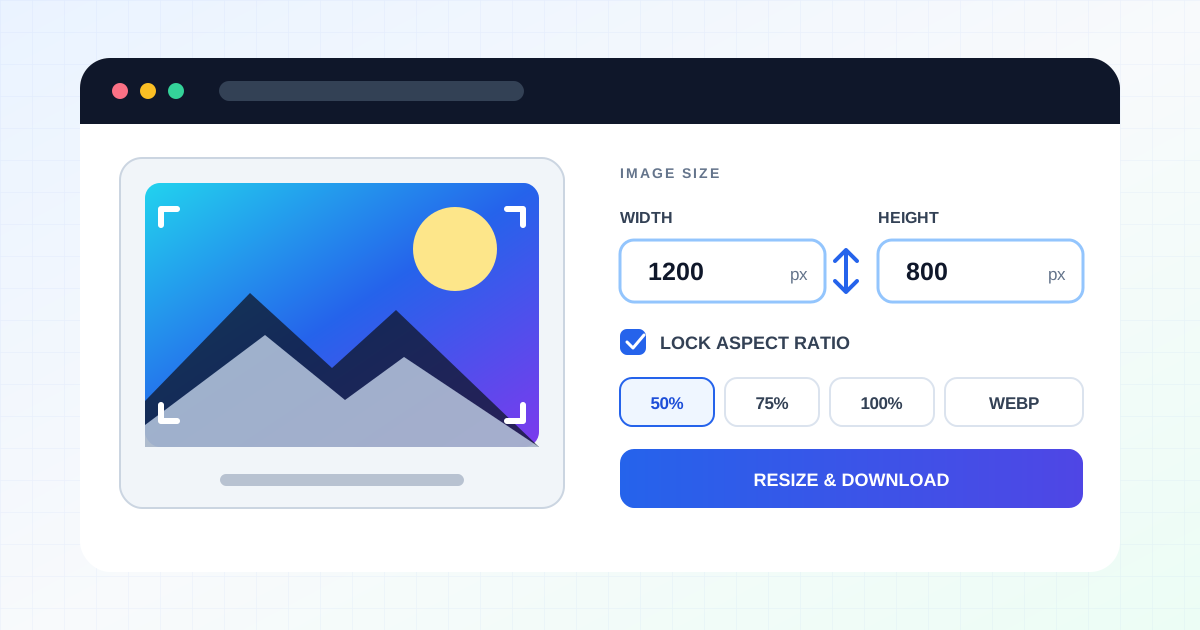
Image Resizer
Set pixel dimensions or scale to resize a photo and save it in your preferred format.
Resize an image →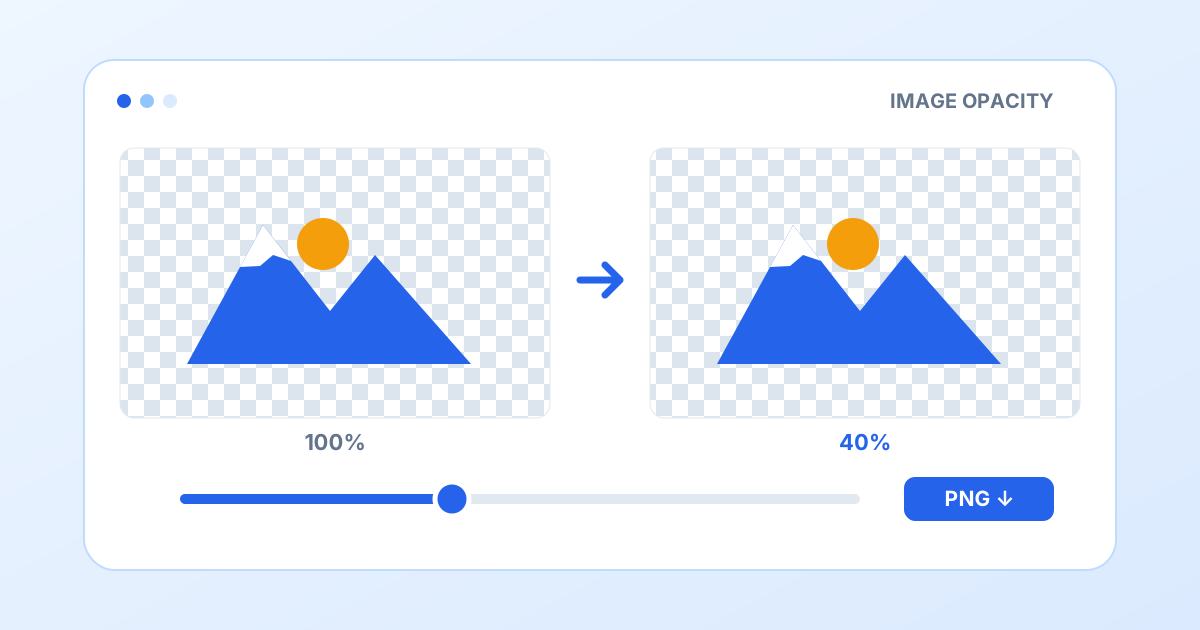
Image Opacity Changer
Adjust photo and logo opacity from 0 to 100% and save a transparent PNG at the original resolution.
Change image opacity →
Photo Mosaic
Drag to pixelate selected areas and adjust the block size. Supports multiple areas and PNG or JPG export.
Add a mosaic to a photo →
Photo Noise Remover & Grain
Reduce rough photo noise or add monochrome or color film grain. Adjust strength and grain size, then save PNG or JPG.
Edit photo noise →
Character Counter
Instantly count characters with and without spaces, words, sentences, lines, paragraphs, and UTF-8 bytes.
Count characters →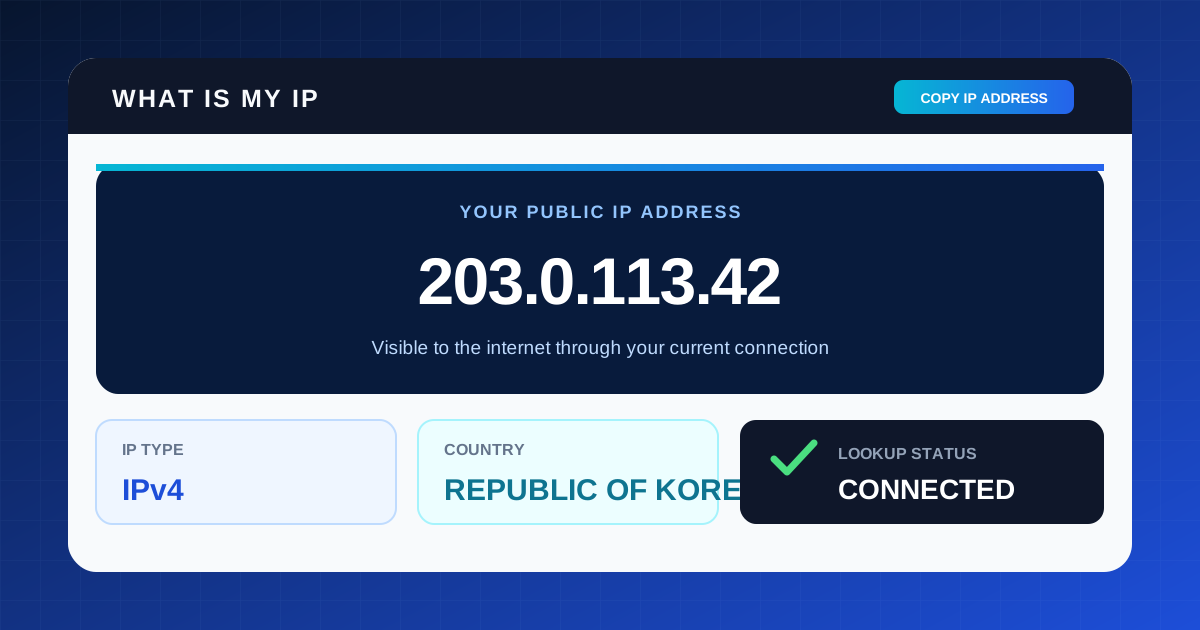
IP Address Checker
Quickly check and copy the public IP, IPv4 or IPv6 type, and country for your current connection.
Check my IP →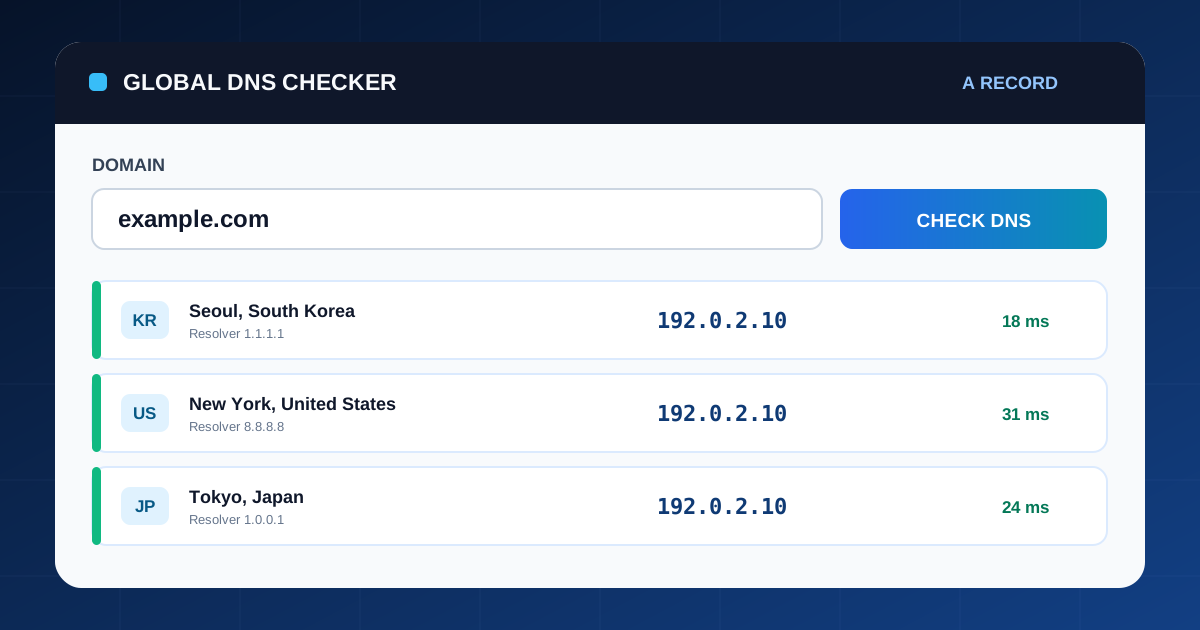
Global DNS Checker
Look up a domain's DNS records from multiple countries and compare propagation and response differences at a glance.
Check DNS by country →
Domain IP & Shared Host Lookup
Resolve a domain and find other domains observed on the same IP. Recheck current DNS, filter results and export CSV.
Look up domains and shared IPs →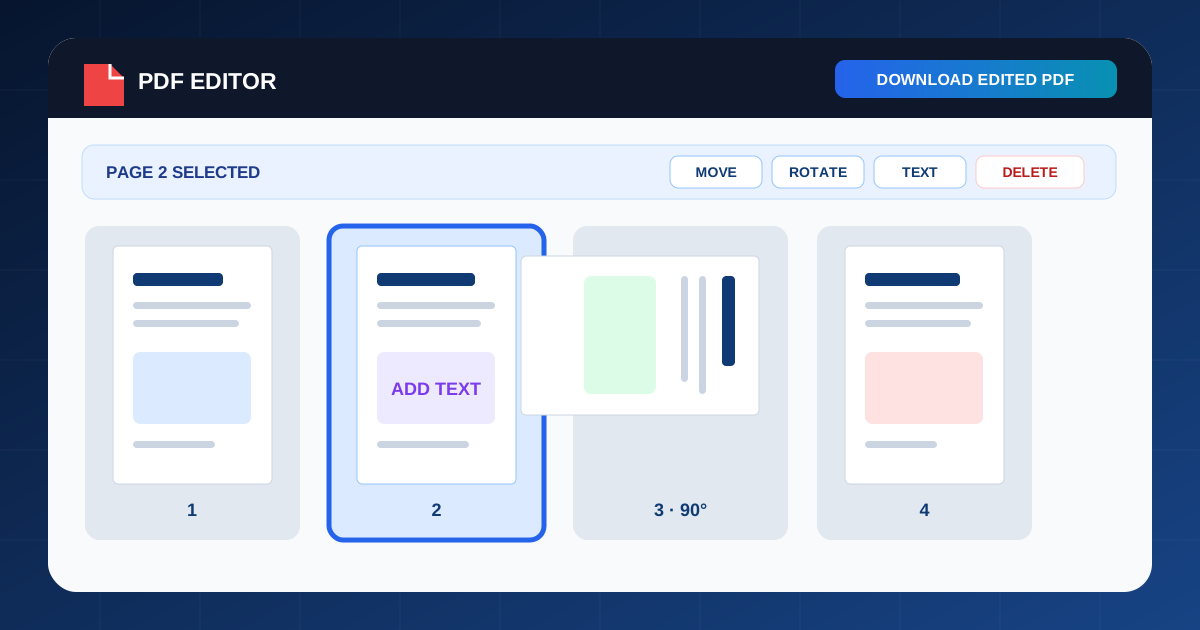
PDF Editor
Remove existing PDF text or add new text, then reorder, rotate, and delete pages.
Edit a PDF →
Brighten Dark Photos
Adjust brightness, shadows, contrast, and saturation in a dark photo, compare before and after, and save the result.
Brighten a Photo →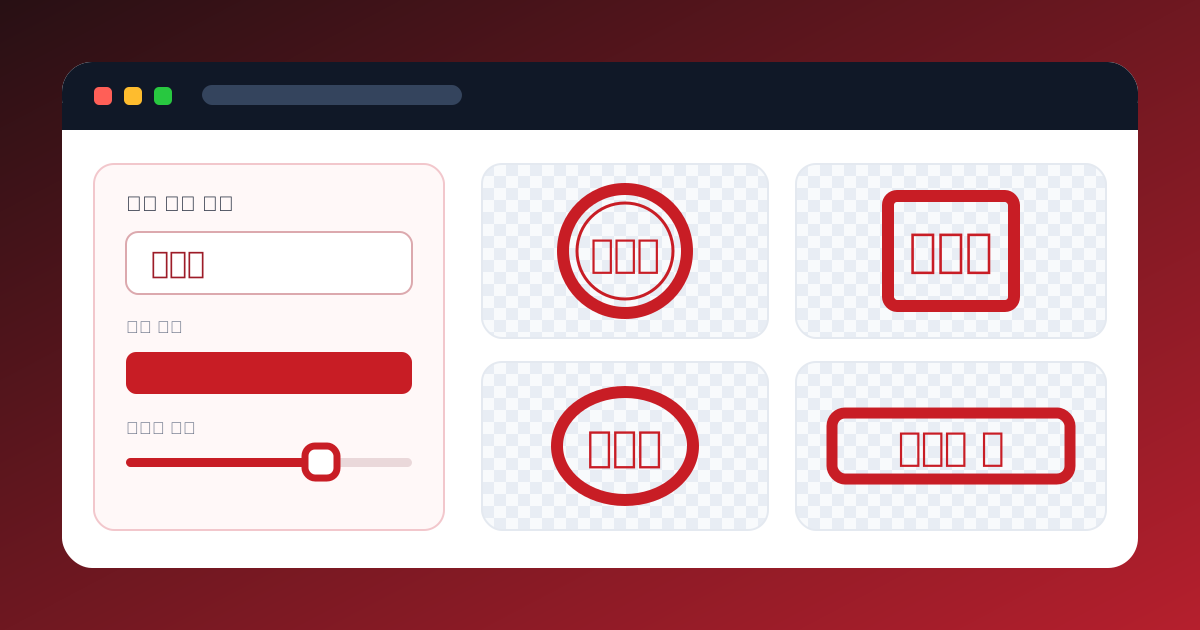
Online Stamp and Signature Maker
Create a Korean or Hanja stamp or sign directly, then save it as a transparent PNG.
Create a Transparent Stamp or Signature →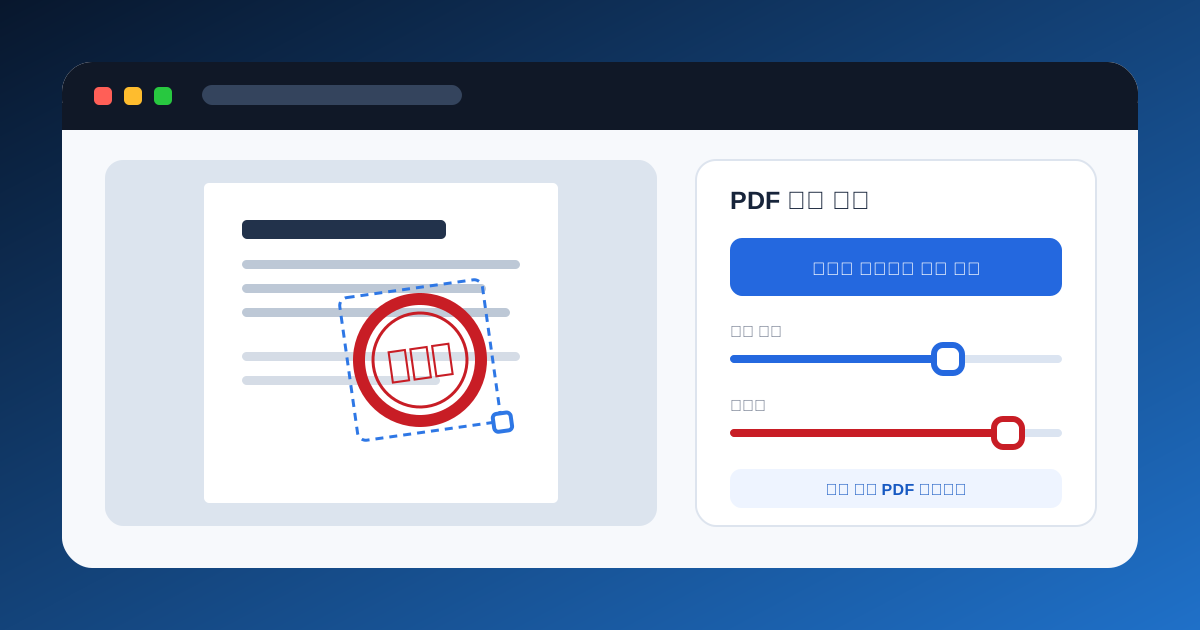
Add a Stamp or Signature to PDF
Paste a stamp or signature image, or sign directly, then position and size it on the PDF before saving.
Add a Stamp or Signature to PDF →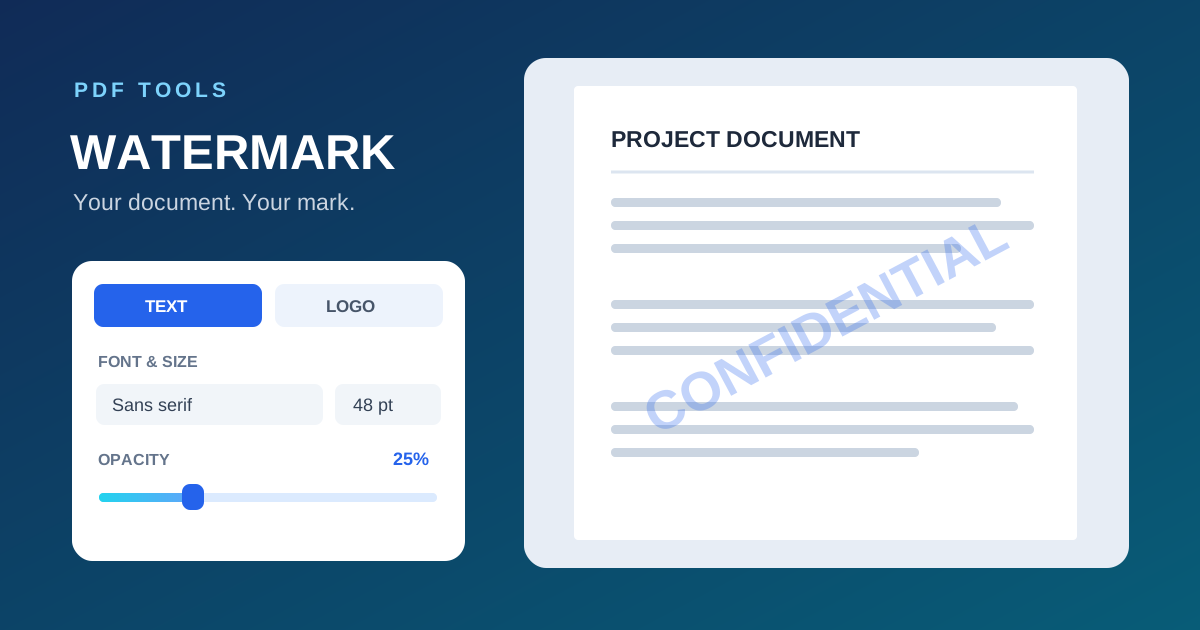
Add Watermark to PDF
Add a text or logo watermark to a PDF with adjustable font, size, opacity and position.
Create PDF Watermark →
QR Code Generator
Create QR codes for URLs, text and Wi-Fi, customize colors and size, and save as PNG or SVG.
Generate QR Code →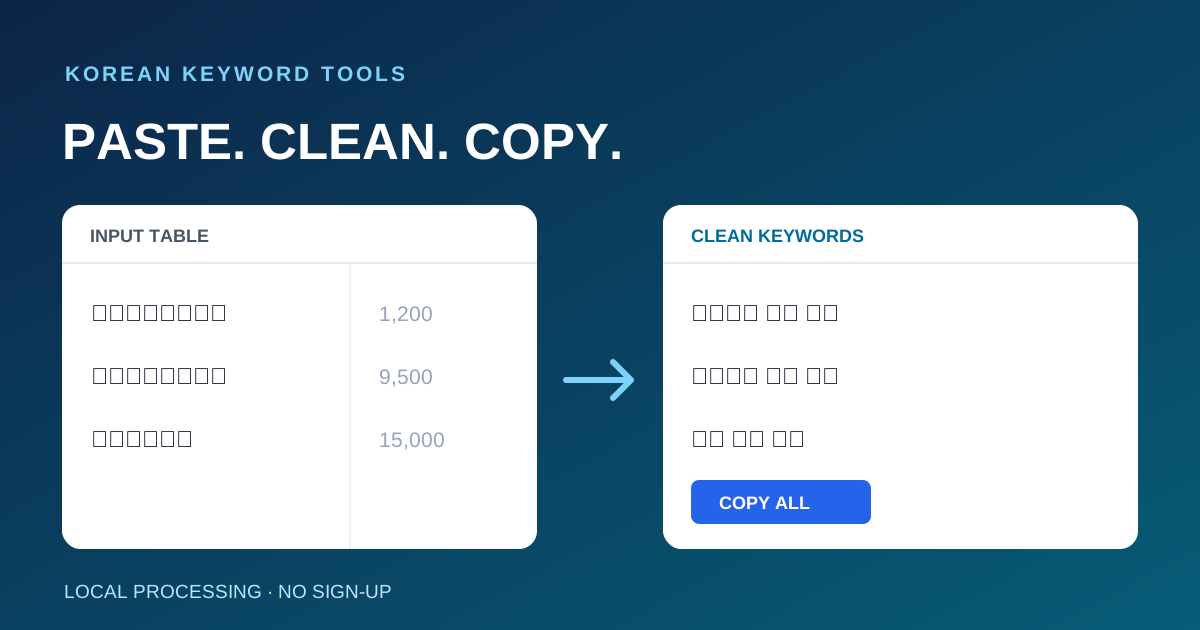
Korean Keyword Cleaner
Paste a table to extract Korean keywords, clean spacing, remove duplicates and copy the list.
Clean Korean Keywords →